
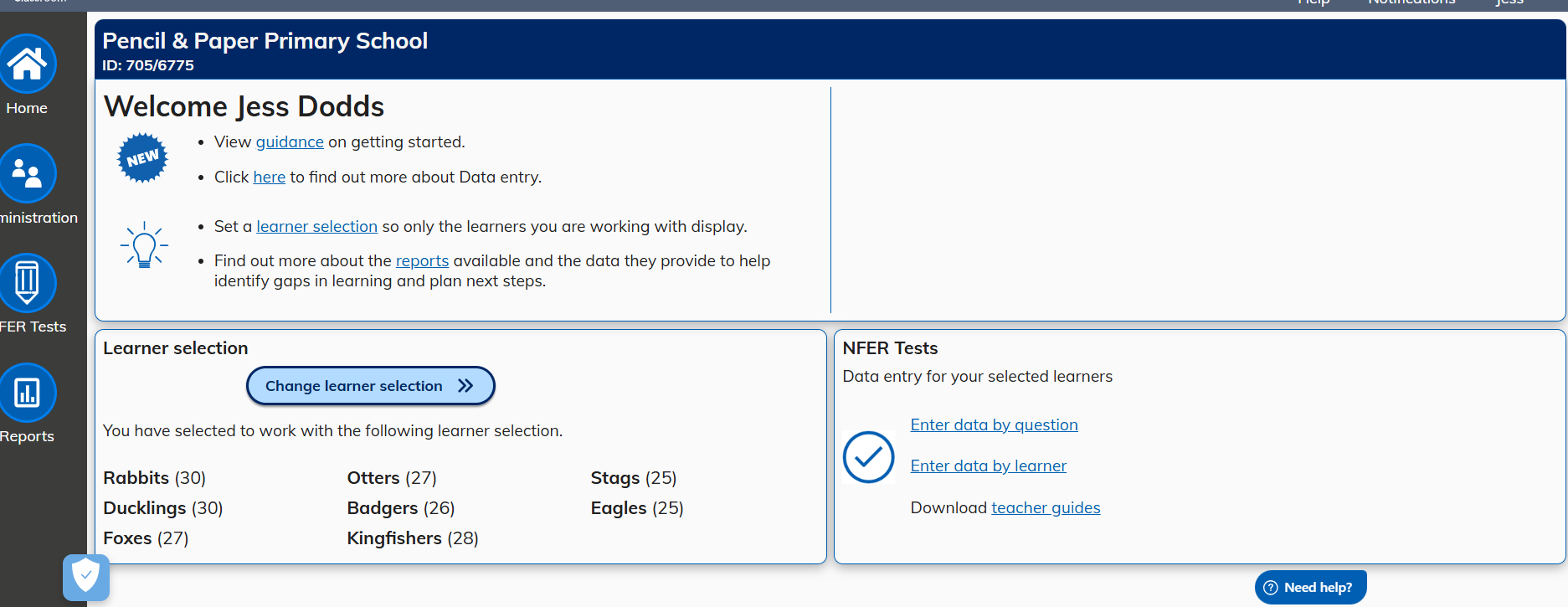
An Administrator can run all actions on the system:
- Add, edit and delete learners and assign class names
- Import Learners
- Add, edit and delete staff members
- Access data management and account details
- Enter test data
- Download teacher guides
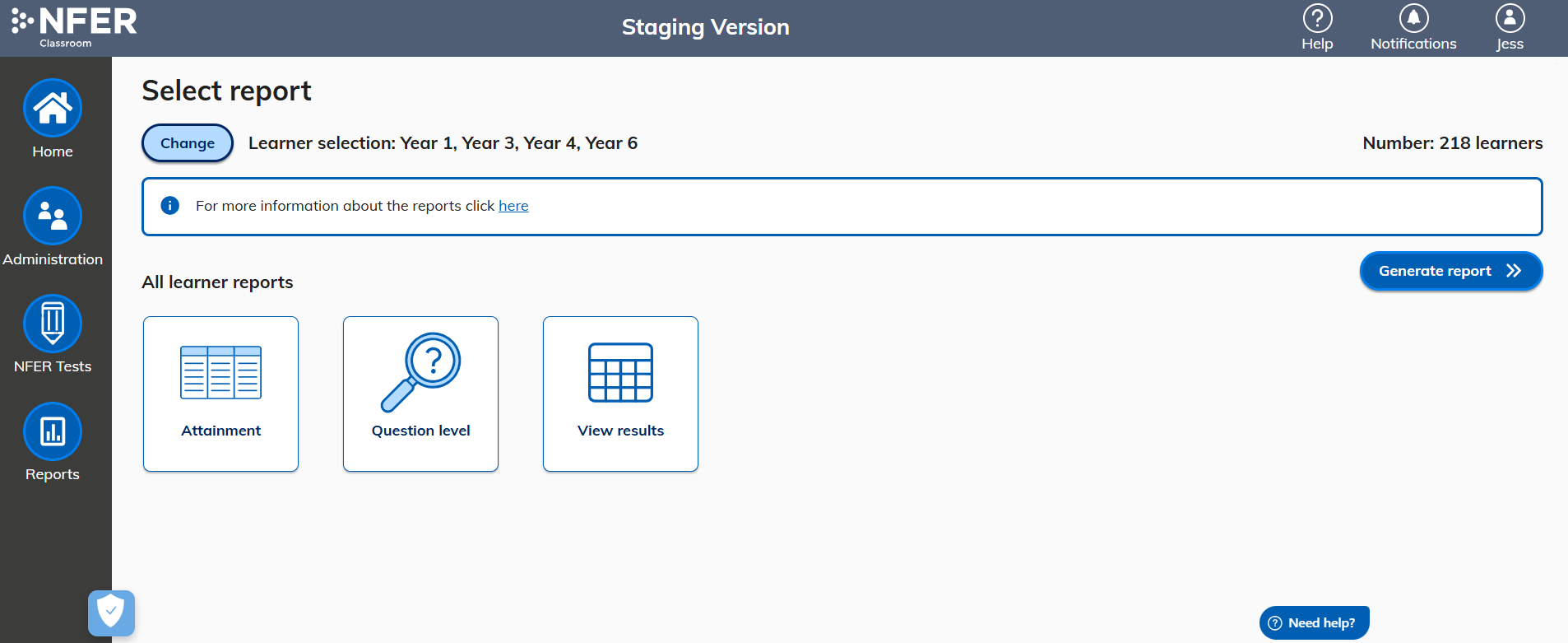
- Generate reports
Administrator home page
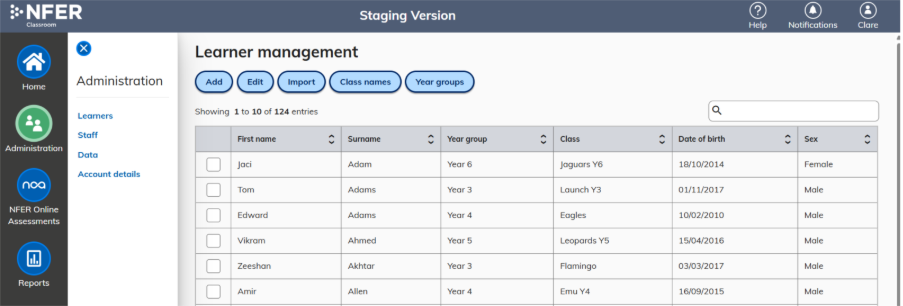
Administration menu options
- Administration
- Learners
- Staff
- Data
- Account details
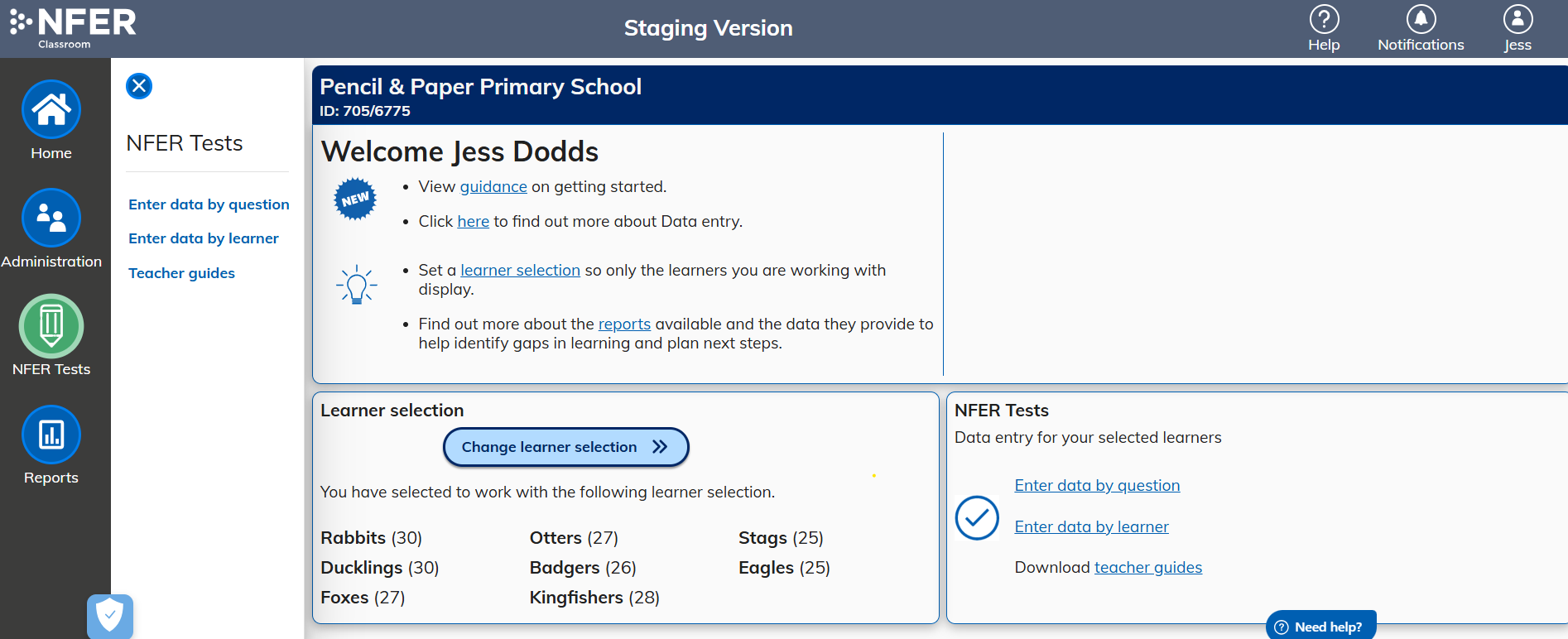
NFER Tests menu options
- Enter data by question
- Enter data by learner
- Teacher guides
Reports menu options
User Profile
- For a user to view their allocated role type they can select their user profile in the top right of the header by clicking on their name.
- The allocated role type will display.
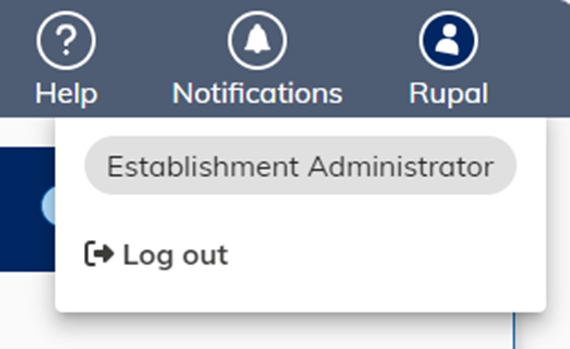
Instructions on amending role permissions can be found in Editing a member of staff (Paper tests).
Was this article helpful?
That’s Great!
Thank you for your feedback
Sorry! We couldn't be helpful
Thank you for your feedback
Feedback sent
We appreciate your effort and will try to fix the article