
There are two methods to enter data on the NFER Reporting Tool:
- Enter data by question
- Enter data by learner
For detailed guidance on how to use each method, select the headings below.
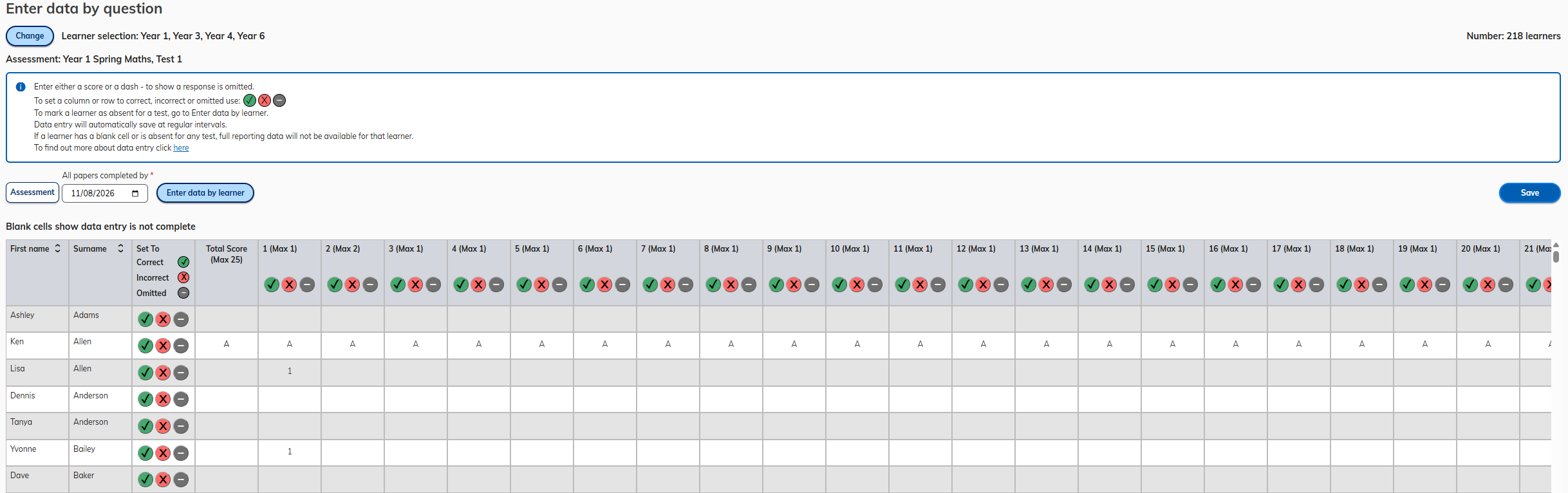
Enter data by question
Enter data by question is designed for teachers who would prefer to mark all learners simultaneously question by question. The table displays all learners and all questions on a single screen, allowing navigation by question (vertical) or by learner (horizontal).
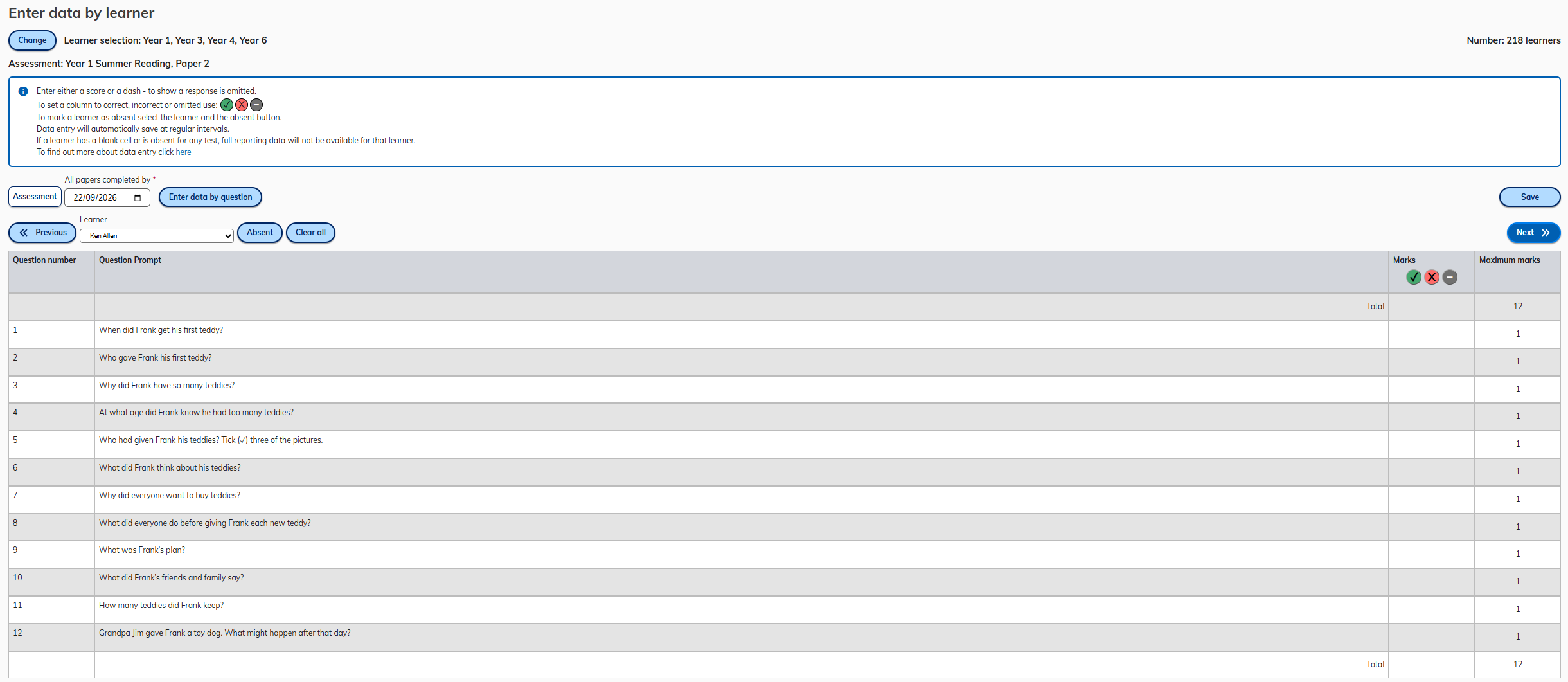
Enter data by learner
Enter data by learner is designed for teachers who would prefer to mark a whole test before moving to the next learner. This view displays all questions for a single learner at a time. It also includes the question prompt.
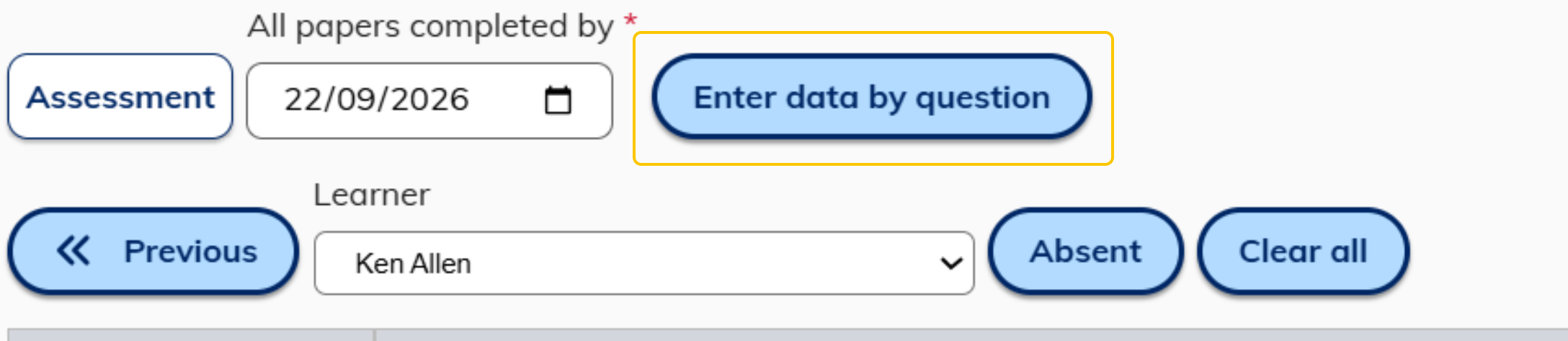
Toggle between the two methods by selecting the Enter by question/Enter by learner buttons.

Was this article helpful?
That’s Great!
Thank you for your feedback
Sorry! We couldn't be helpful
Thank you for your feedback
Feedback sent
We appreciate your effort and will try to fix the article